Turn TikTok audio into ringtones
Turning TikTok audio into ringtones on your iPhone is honestly one of those little life hacks that makes you feel like a tech wizard—even if you’re just following a few simple steps. Here’s how I do it (and yes, KeepTik is the secret sauce 🍯):
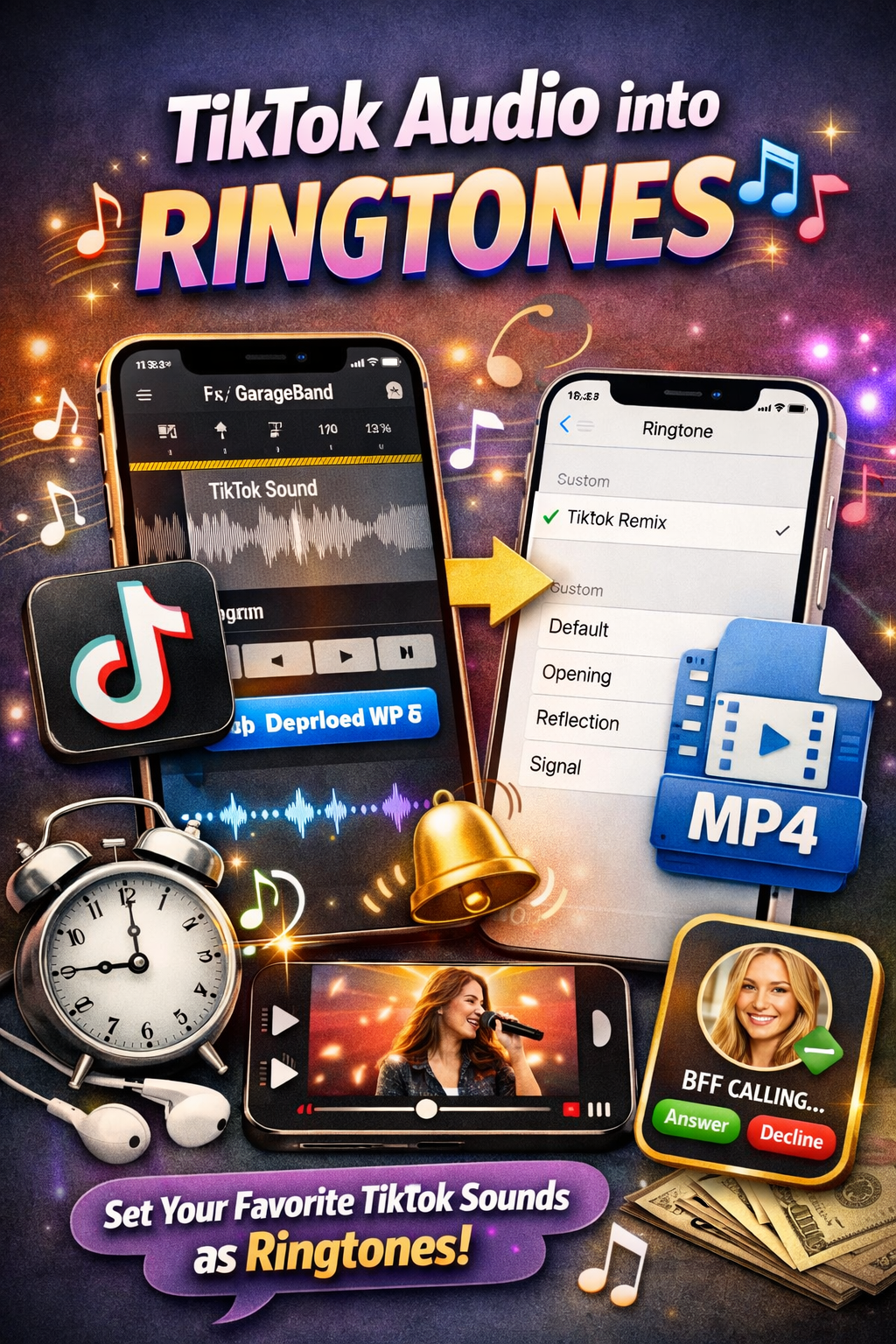
Step 1: Grab the Audio
First things first, head to TikTok and find the video with the sound you want. Tap the share arrow → Copy Link. Then go to KeepTik.com, paste the link, and choose Download Audio Only. Boom—you’ve got yourself an MP3 file.
Step 2: Save It to Files
Safari will ask if you want to download. Say yes, and it’ll land safely in your Files app. Think of it as your ringtone waiting room.
Step 3: Import into GarageBand
Here’s where the magic happens:
- Open GarageBand (free on iPhone).
- Create a new project and import your TikTok MP3.
- Trim it down to the perfect 30-second snippet (because ringtones have a time limit).
Step 4: Export as Ringtone
Once you’ve got your audio polished:
- Tap Share → Ringtone.
- Name it something fun (mine’s called “TikTok Vibes”).
- Hit Export.
Your iPhone will now let you set it as your default ringtone or assign it to specific contacts. Imagine your bestie calling and hearing that viral TikTok sound—it’s pure joy.
Why This Rocks
- Personalized ringtones: No more boring default tones.
- Free and easy: No sketchy apps or hidden fees.
- Creative control: Trim, tweak, and make it yours.
Now my phone literally sings TikTok when someone calls. It’s like carrying a piece of the app with me everywhere, and honestly, it makes me smile every time. 🎶📱
Comments (0)
Leave a Comment