
Back up your TikTok likes, favorites and reposts
Bookmarks break when posts disappear. KeepTik saves the TikToks you liked, favorited and reposted — or your own videos — as ordinary files on your computer, organized by profile and list.
Desktop Chrome 116 or later
Your lists, kept apart
Videos, Reposts, Favorites and Liked each get their own folder, so other creators’ work is never mixed with yours.
The creator travels with the file
Every file name carries the date, creator, a short caption and the post ID.
Plain files on your disk
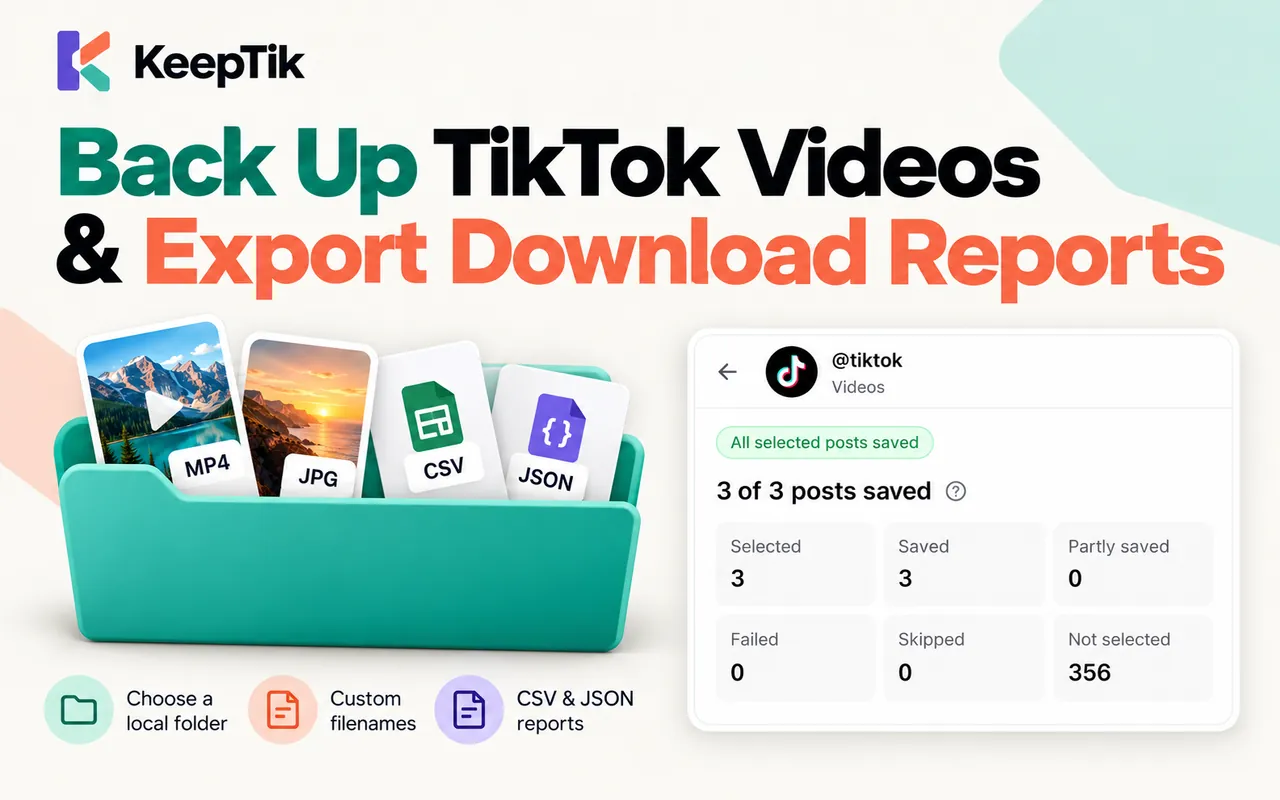
MP4 videos and JPG photos in a folder you choose — no cloud library.
Who a TikTok backup is for
Creators keeping copies of their own posts. People who want the videos they liked or favorited to still be there next year. Anyone who saves references for a project and wants to know where each one came from.
KeepTik makes the backup as ordinary files — MP4 for videos, JPG for photos — plus a report you can open in a spreadsheet. It isn’t a replacement TikTok app or a cloud mirror.
Videos, Reposts, Favorites and Liked
Videos is what the profile published. Reposts, Favorites and Liked are mostly other creators’ work. You can scan several lists in one task, and a post found in more than one list is saved once — in the first of Videos, Reposts, Favorites and Liked — while the report records every list it’s in.
TikTok decides who can see Liked and Favorites. When a list isn’t available to your signed-in account, KeepTik says it couldn’t read it rather than returning an empty backup.
Tidy folders and file names you can change
Choose a folder once per batch. Inside it, KeepTik creates a folder for the profile and one for each list. The default file name is the posting date, creator, the first 30 characters of the caption and the post ID; photo posts become a folder of 01.jpg, 02.jpg and so on.
Change the template in Settings if you prefer another order. The post ID always stays in the name, and characters Windows doesn’t allow, hashtags and emoji are cleaned out.
- Default: {profile}/{list}/{date}_{author}_{caption:30}_{id}
- Single downloads go to Downloads/KeepTik/{author}/Single/
- Reports are saved next to the files as CSV or JSON.
Back up again without starting over
KeepTik remembers which posts it saved, so the next time you scan the same list, those posts are left unchecked and you can download only the new ones. A file with the same name and size already in the folder isn’t written twice.
Recent tasks stay in the Tasks tab, where you can review or delete them. KeepTik keeps the latest 30 finished tasks; deleting a task never deletes the files you saved.
Your backup stays yours
Videos download from TikTok to your computer, using your TikTok session. Nothing goes through keeptik.com. Settings, tasks and download history are stored in this browser only.
Keeping a personal copy isn’t the same as having the right to republish it. Keep the creator’s name with their work, and ask before you share it.
Questions, answered plainly.
What KeepTik does, what it doesn’t, and what TikTok still decides.
Can I back up the TikTok videos I liked?
Yes, when TikTok shows your Liked list to the account you’re signed in with — which is the case on your own profile. Scan Liked from the side panel and download the posts you pick.
Can I download my own TikTok videos?
Yes. Open your profile, scan the Videos list and download what you want. Private posts aren’t readable, even your own.
Can I download private videos?
No. KeepTik only saves what TikTok shows your browser and doesn’t get around any restriction.
Will KeepTik back up new posts automatically?
No. Every backup starts when you scan a list. Posts you saved before stay unchecked, so a repeat scan makes it easy to download just the new ones.
May I repost what I’ve saved?
Only with the creator’s permission or another valid legal basis. Downloading a file doesn’t transfer the creator’s rights.
A backup you can find next year.
Keep your likes, favorites and reposts as real files, organized by list and named by creator.
Desktop Chrome 116 or later